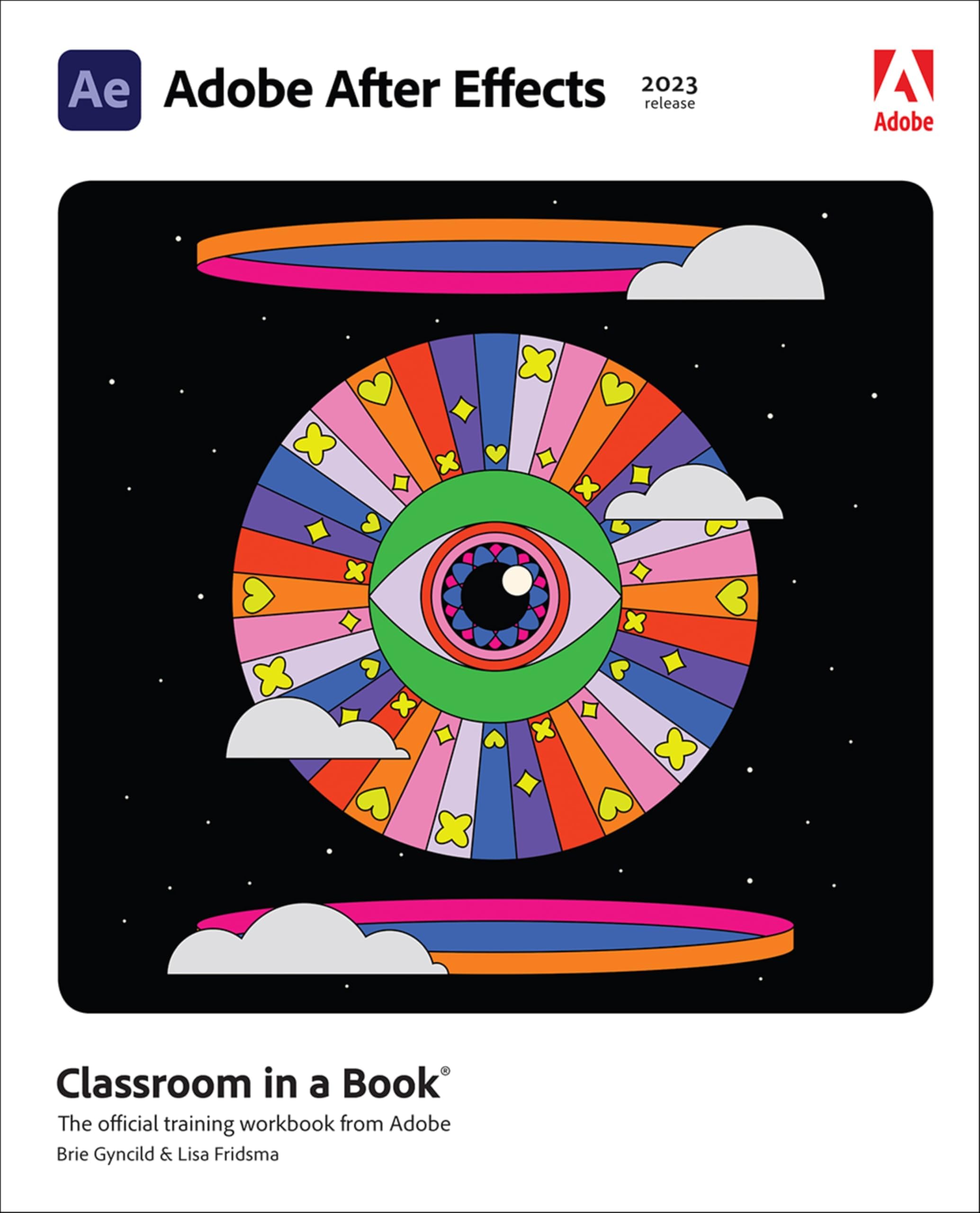
Adobe After Effects Classroom in a Book (2023 release)
Product ID: 509482375
Desertcart purchases this item on your behalf and handles shipping, customs, and support to Belgium.
Learn video compositing, motion graphics design, and animation using Adobe After Effects Adobe After Effects Classroom in a Book (2023 release) uses real-world, project-based learning to cover the basics and beyond, providing countless tips and techniques to help you become more productive with the program. For beginners and experienced users alike, you can follow the book from start to finish or choose only those lessons that interest you. Learn to: Create, manipulate, and optimize motion graphics for film, video, the web, and mobile devices Animate text and images, customize a wide range of effects, track and sync content, rotoscope, manipulate timing, correct color, and remove unwanted objects Customize cameras and lighting to create compelling 3D content Design Motion Graphics templates for editing in Adobe Premiere Pro Deform and animate objects and video using robust Puppet tools Classroom in a Book®, the best-selling series of hands-on software training workbooks, offers what no other book or training program does―an official training series from Adobe, developed with the support of Adobe product experts. Purchasing this book includes valuable online extras. Follow the instructions in the book's "Getting Started" section to unlock access to: Downloadable lesson files you need to work through the projects in the book Web Edition containing the complete text of the book, interactive quizzes, and videos that walk you through the lessons step by step What you need to use this book: Adobe After Effects (2023 release) software, for either Windows or macOS. (Software not included.) Note: Classroom in a Book does not replace the documentation, support, updates, or any other benefits of being a registered owner of Adobe After Effects software. Review: Great Tutorial book - This book really helps with understanding After Effects from the company that has the program. Unlike other books, this one is easy to follow and understand. Review: The Best Way to Learn After Effects - I have a confession. As a video maker I don’t use After Effects very often. Premiere Pro is my primary tool. Most of the After Effects capabilities are more in line with the needs of graphic artists or folks preparing TV advertisements. But there are some things I can’t do with Premiere. For masking a movie to swap a backdrop, or stabilizing a scene far beyond Premiere’s capabilities, or doing content aware fill, or making an animated title, I use After Effects. The book is a series of tutorials that show you how to use After Effects with practical exercises, using files downloaded from the publisher’s website. While the book is written in clear language, I recommend the book and web edition combo. You can put the web edition up on your computer and switch back and forth between the web edition and After Effects for the exercises without ever taking a book in your hands. (You have to subscribe to After Effects from Adobe; I get the whole Creative Cloud because I use Lightroom, Photoshop, Premiere Pro, After Effects, Audition, Acrobat Pro, and even Dreamweaver.) The Web Edition also includes videos, which are useful in finding those hard to see little icons, and even short quizzes. I like to have the paper edition on the shelf over my desk because every once in a while I need a little refresher and find opening the book quicker. I’ve found the Classroom in a Book to be the best way to learn to use After Effects for someone who is new to the program. A delicate question is what to do if you already have the 2022 version of the book. Most of the tutorials in the 2023 version of the book are the same as the 2022 version, although some have been changed and updated, like the chapter on color correction and grading. The After Effects color facility has certainly been improved so that if you use After Effects as your main software for short videos you may prefer it to the more extensive color correction and grading facilities in Premiere Pro. I have found it useful to know how to use both facilities. I keep looking for a better book to teach you After Effects. So far, I haven’t found any.






| Best Sellers Rank | #2,351,833 in Books ( See Top 100 in Books ) #16 in Adobe After Effects Photo Editing #540 in Digital Video Production (Books) #6,477 in Web Development & Design |
| Customer Reviews | 4.5 out of 5 stars 27 Reviews |
M**W
Great Tutorial book
This book really helps with understanding After Effects from the company that has the program. Unlike other books, this one is easy to follow and understand.
C**N
The Best Way to Learn After Effects
I have a confession. As a video maker I don’t use After Effects very often. Premiere Pro is my primary tool. Most of the After Effects capabilities are more in line with the needs of graphic artists or folks preparing TV advertisements. But there are some things I can’t do with Premiere. For masking a movie to swap a backdrop, or stabilizing a scene far beyond Premiere’s capabilities, or doing content aware fill, or making an animated title, I use After Effects. The book is a series of tutorials that show you how to use After Effects with practical exercises, using files downloaded from the publisher’s website. While the book is written in clear language, I recommend the book and web edition combo. You can put the web edition up on your computer and switch back and forth between the web edition and After Effects for the exercises without ever taking a book in your hands. (You have to subscribe to After Effects from Adobe; I get the whole Creative Cloud because I use Lightroom, Photoshop, Premiere Pro, After Effects, Audition, Acrobat Pro, and even Dreamweaver.) The Web Edition also includes videos, which are useful in finding those hard to see little icons, and even short quizzes. I like to have the paper edition on the shelf over my desk because every once in a while I need a little refresher and find opening the book quicker. I’ve found the Classroom in a Book to be the best way to learn to use After Effects for someone who is new to the program. A delicate question is what to do if you already have the 2022 version of the book. Most of the tutorials in the 2023 version of the book are the same as the 2022 version, although some have been changed and updated, like the chapter on color correction and grading. The After Effects color facility has certainly been improved so that if you use After Effects as your main software for short videos you may prefer it to the more extensive color correction and grading facilities in Premiere Pro. I have found it useful to know how to use both facilities. I keep looking for a better book to teach you After Effects. So far, I haven’t found any.
N**E
Very good
I used this as a supplement for an online course I was taking. I found it helpful and would recommend. Adobe also has great tutorials online as well.
P**R
Well-organized lessons, many topics, great for beginners
I had no exposure to After Effects before this book so I appreciated the detailed instructions. The book covers a lot of topics but not all (AE is a huge program); however, there definitely is plenty to be learned. You will feel very comfortable exploring AE on your own after this book. YouTube also can be handy for creative ideas and projects in AE. The only issue I have with the book is its construction---the pages easily separate from the spine if you use it as I do with it wide open while following along on your computer. Normal reading doesn't seem to be a problem but laying it flat and wide open causes the splits.
Trustpilot
1 month ago
5 days ago